
Platforms
Trade your wayAndroid, Windows, web & MT5
Download the Android APK or Windows installer, or trade in the browser. iOS and Mac are coming soon.
Choose your platform
Built for how you trade
Native Android and Windows apps, web terminal, and MT5.
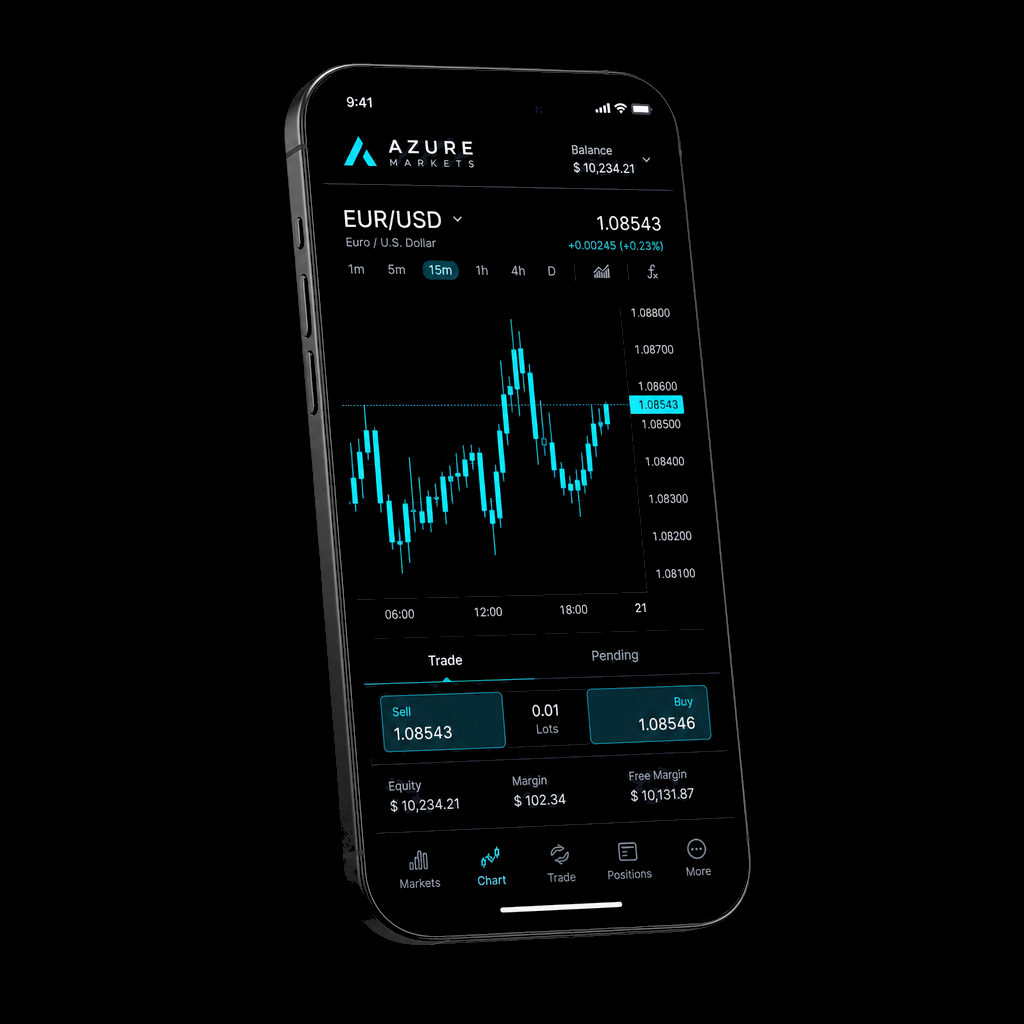
Azure Markets Android
Install the APK on Android 7.0 and newer, including Android 10. If an older Azure Markets copy is already installed, uninstall it first, then install this APK.
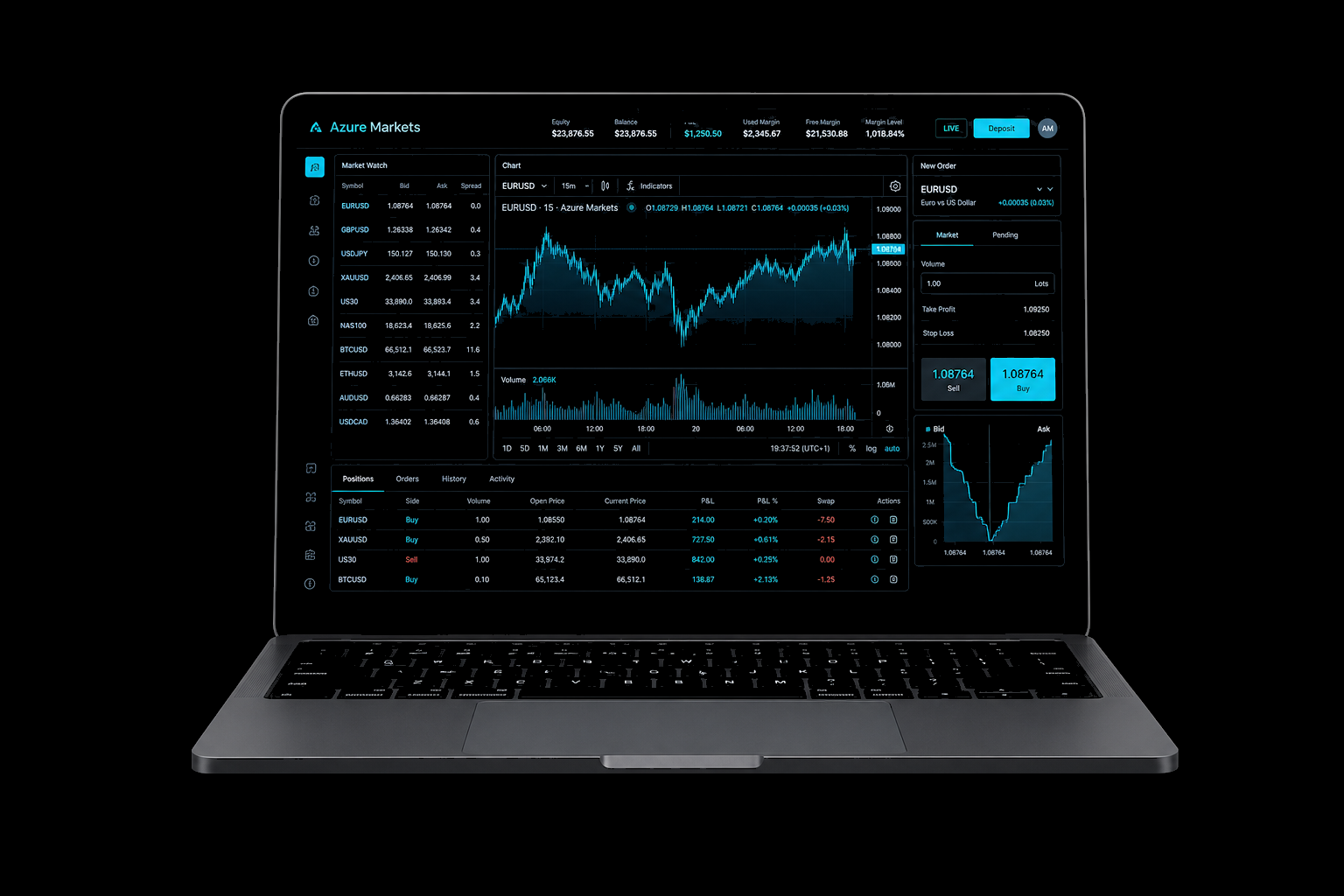
Azure Markets Windows
ZIP installer for Windows 10/11 (Chrome-friendly). Unzip, then run AzureMarkets-Setup.exe. If Windows still asks, choose More info → Run anyway.
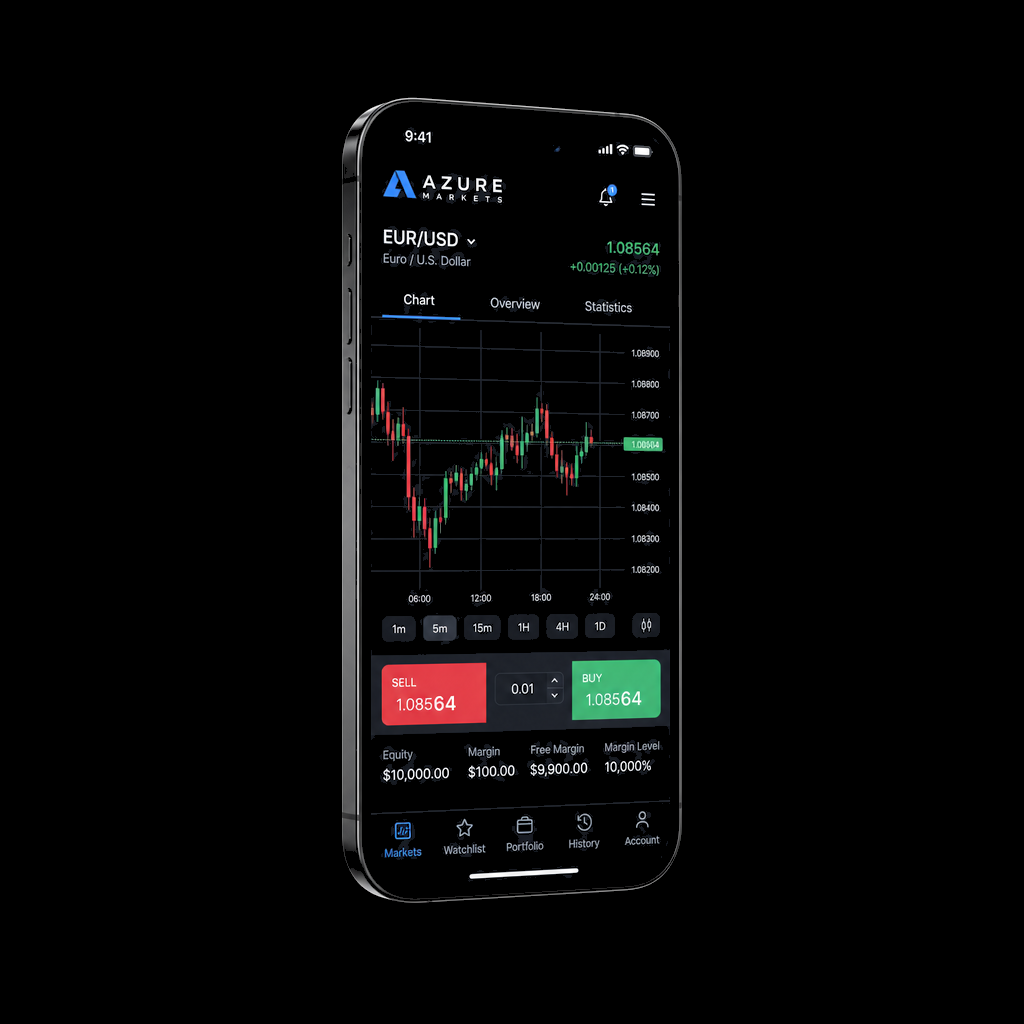
Azure Markets iOS
iPhone and iPad app. The App Store build is not public yet.
Azure Markets Mac
Native macOS app. Use the web terminal on Safari or Chrome until it ships.
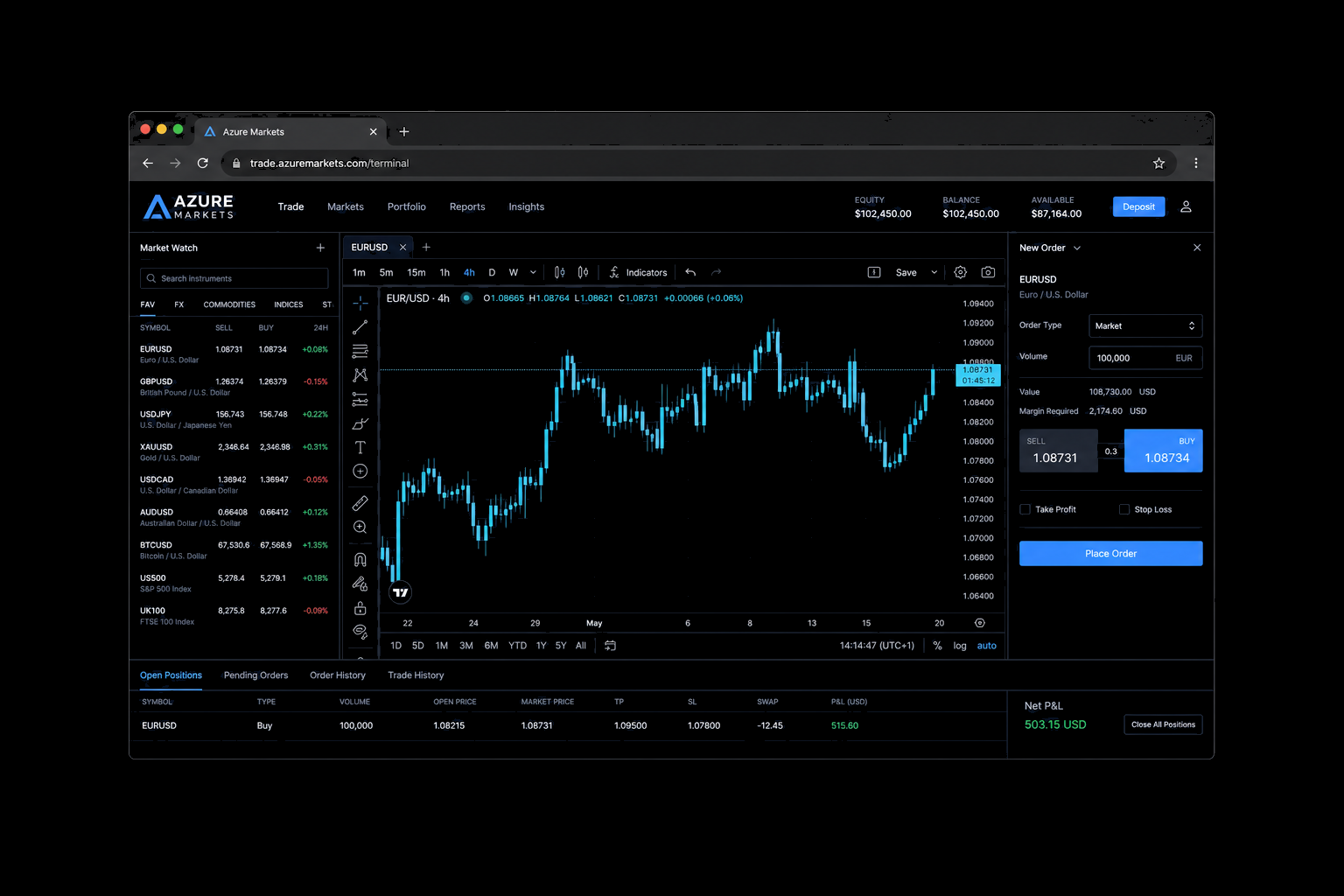
Web Terminal
Browser-based trading: Market, Limit, and Stop orders with no install required.
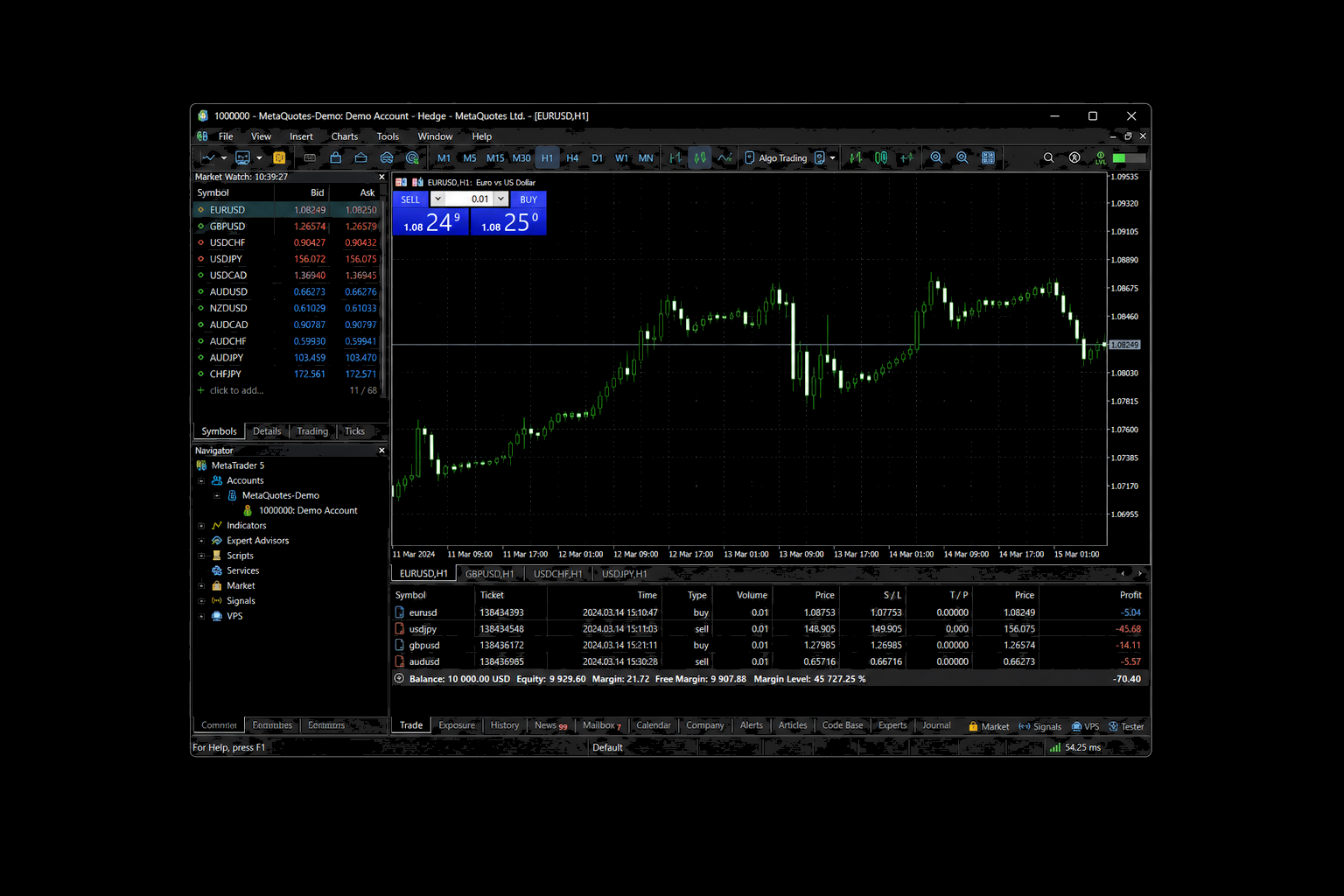
MetaTrader 5
Browser MT5 web terminal plus desktop/EAs — synced with your Azure Markets live account.
Direct downloads
Android & Windows ready
iOS and Mac stay coming soon. Use the web terminal on those devices today.
Android: Android 7.0+ (32-bit and 64-bit). If install says "App not installed", uninstall any previous Azure Markets APK, then install this one from Files or Chrome. Windows: use the ZIP download to skip Chrome's "isn't commonly downloaded" warning. Unzip and run the setup file. If a raw .exe still shows See more, click it, then Keep.